


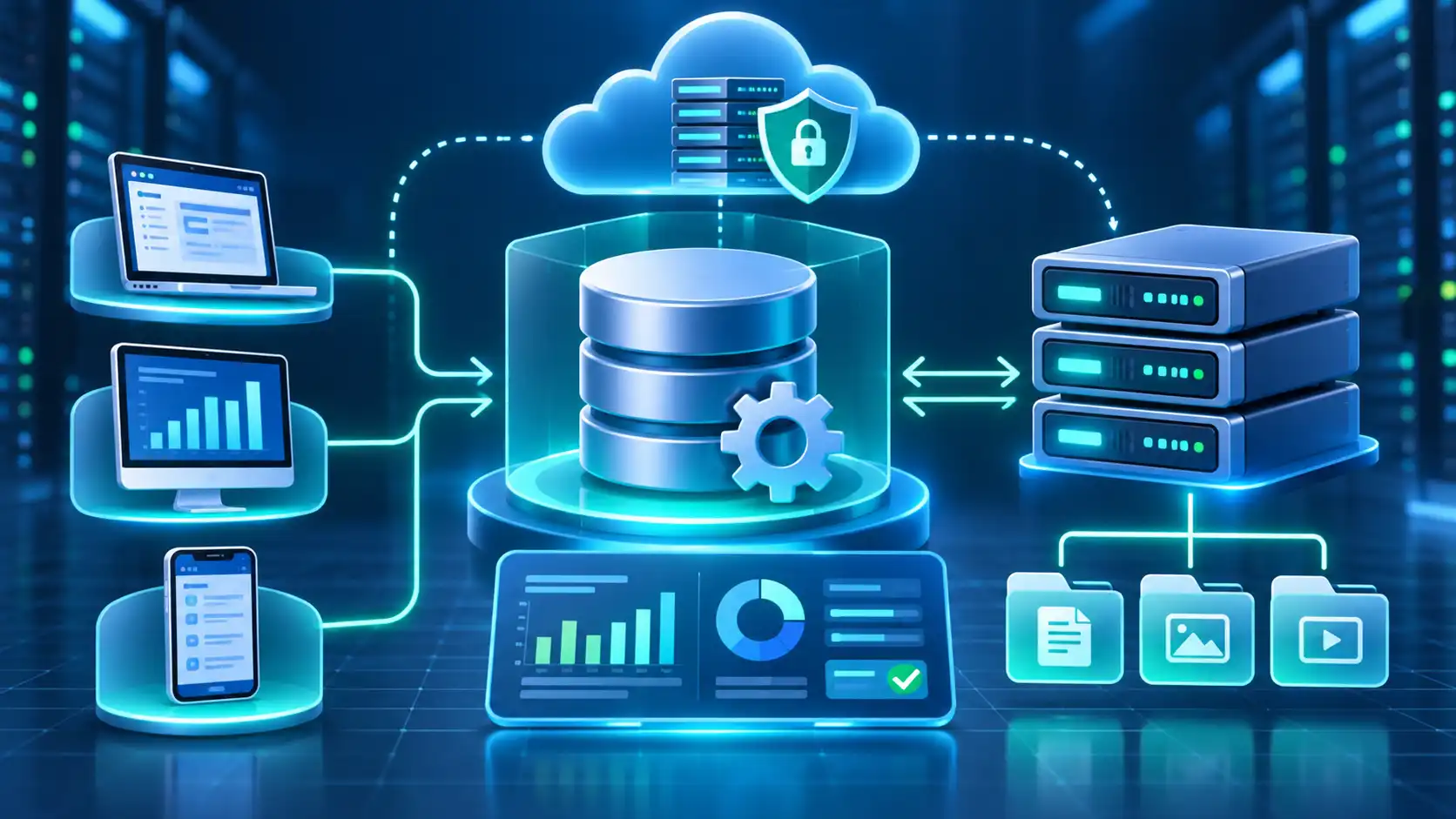
Every time you log into an account, check an online order, or search for a product, an application may need to retrieve information from a database. A database management system helps make those operations possible.
A database management system (DBMS) is software that organizes, stores, retrieves, updates, and controls access to data. Understanding how it works can help you choose suitable database technology for a website, business application, or software project.
What Is a Database Management System (DBMS)?
A Database Management System (DBMS) is software that allows users and applications to create, access, modify, and manage databases. It provides tools for organizing information, processing data requests, and controlling how stored records are used. Common examples include MySQL, PostgreSQL, Microsoft SQL Server, and MongoDB.
The distinction between a database and a DBMS is straightforward:
Database | Database Management System |
An organized collection of information | Software that manages that information |
Contains records and related data | Provides ways to create, retrieve, and modify records |
Example: Customer order records | Example: MySQL or PostgreSQL |
Consider an online clothing store. Its database contains product names, prices, customer details, and orders. The DBMS allows the store's application to access those records when someone searches for a product or checks an order.
The application provides the interface customers see, while the DBMS handles the underlying data operations.
Not every database uses the same storage structure. Some organize information into tables, while others use documents or different models.
The essential distinction remains the same: the database holds information, and the DBMS provides the software capabilities used to manage it.
How Does a DBMS Work?
A DBMS works by receiving data requests, processing them according to the database's rules and permissions, and returning results or confirming changes. Applications generally communicate with the DBMS through a backend service, database driver, or supported interface rather than allowing website visitors unrestricted access to stored information.
How Data Moves From an Application to a Database
Consider a customer searching for a blue shirt in an online clothing store.
The customer submits a request. The customer types "blue shirt" into the website's search field.
The application prepares a database operation. Its backend generates an appropriate request, potentially using a parameterized SQL query.
The DBMS processes the request. It checks relevant permissions, interprets the query, and determines how to access matching records.
The database provides the requested information. The system reads the relevant product data from storage or an appropriate cache.
The application displays the result. The backend receives the records and prepares the product listings shown to the customer.
DATABASE REQUEST FLOW
Website / Customer
Searches for a blue shirt
Application Backend
Prepares the database request
DBMS
Processes the request and retrieves records
Stored Database
Product information
Conceptual illustration. Actual database architectures vary by product and deployment.
The DBMS may use an index to locate relevant records without scanning every entry. A query optimizer can also select an efficient execution plan, depending on the database engine.
The application then decides how to present the returned information. This separation lets developers change the website's interface without necessarily changing how the underlying records are organized.
For technical details about relational database operations, see the official PostgreSQL documentation.
What Are the Main Functions of a DBMS?
A DBMS performs several essential tasks beyond simply storing information. Its functions support controlled access, accurate updates, and reliable interactions between applications and stored data.
DBMS function | What it does |
Data definition | Creates tables, collections, schemas, or other supported structures |
Data manipulation | Adds, reads, changes, and deletes records |
Access control | Restricts operations according to user permissions |
Data integrity | Enforces supported rules and constraints |
Transaction management | Coordinates related database operations |
Recovery support | Provides mechanisms that can assist restoration after failures |
Data Storage, Retrieval, and Modification
Four common data operations are known as CRUD:
Create: Add a new product record.
Read: Retrieve a product's available stock.
Update: Change its recorded quantity after a sale.
Delete: Remove a record when appropriate.
Relational systems commonly use SQL for these operations. Other database systems may provide different query languages, drivers, or APIs.

Data Security, Integrity, and Transaction Management
Access permissions determine which users or application accounts can perform specific operations. Constraints help prevent invalid values or relationships from being stored.
Transactions are particularly useful when several changes must succeed together. Many database systems support ACID properties: atomicity, consistency, isolation, and durability. These describe important guarantees associated with transaction processing, although specific behavior depends on the system and configuration.
Modern document databases can also support ACID transactions. For example, MongoDB's transaction documentation describes multi-document transaction support.
Recovery tools are another capability, but installing a DBMS does not automatically establish a tested backup schedule. Administrators must still configure and verify appropriate recovery procedures.
What Are the Different Types of DBMS?
Database management systems can be classified by how they organize and relate information. The main categories include relational, non-relational, hierarchical, and network database systems.
Relational Database Management Systems (RDBMS)
A relational DBMS organizes information into tables containing rows and columns. Tables can be connected through keys, allowing related information to remain logically associated.
For example, a Customers table may contain customer IDs, while an Orders table uses those IDs to identify who placed each order.
Common relational database products include:
MySQL
PostgreSQL
Microsoft SQL Server
Oracle Database
A primary key uniquely identifies a record within a table. A foreign key establishes a defined relationship with a record in another table.
Relational systems commonly use Structured Query Language (SQL) to work with their data.
NoSQL Database Management Systems
NoSQL describes several database approaches that do not rely exclusively on the traditional relational table model.
Common categories include:
Document databases: Store records as documents, often using JSON-like structures. MongoDB is a familiar example.
Key-value databases: Retrieve values using associated keys. Redis is a widely used example.
Wide-column databases: Organize information using column families or related structures. Apache Cassandra is an example.
Graph databases: Represent relationships through nodes and edges. Neo4j is an example.
NoSQL does not automatically mean a database lacks structure, consistency, or transaction support. Features depend on the specific product.
Hierarchical and Network DBMS
Hierarchical databases organize records into parent-child relationships. IBM's Information Management System (IMS) is a notable example.
Network databases use structures that can represent more complex relationships between records, including connections involving multiple parents.
These models remain relevant to database history and certain existing enterprise systems, although most beginners encounter relational or modern NoSQL databases first.
DBMS type | Main structure | Example |
Relational | Related tables | PostgreSQL |
Document | Documents and collections | MongoDB |
Key-value | Keys associated with values | Redis |
Hierarchical | Parent-child records | IBM IMS |
Graph | Nodes and relationships | Neo4j |
Cloud databases are not a separate data model. A relational or NoSQL DBMS can operate on local infrastructure, cloud servers, or a managed database platform.

Where Are Database Management Systems Used? Real-World Examples
DBMS technology supports applications that need organized access to changing information. The application determines what users can do, while the underlying database system manages the records needed for those activities.
Application | Information managed | Typical activity |
E-commerce website | Products, customers, orders | Processing a purchase |
Banking application | Accounts, transaction records | Recording a transfer |
School management system | Students, courses, enrollments | Registering a student |
Inventory software | Products, quantities, suppliers | Tracking stock levels |
CRM software | Contacts, leads, interactions | Updating a customer record |
Consider an online store where a customer orders two shirts. A typical relational design can connect three records:
A customer record identifies the buyer.
An order record identifies the purchase.
Order-item records identify the products and quantities purchased.
This structure allows the application to determine which products belong to a particular order without copying every customer detail into every order item.
Different applications require different data structures, but the general objective is the same: make stored information accessible and manageable for legitimate business operations.
What Are the Advantages and Disadvantages of DBMS?
Using a DBMS can improve how an application manages shared information, but it also introduces technical and operational responsibilities. The value depends on the workload, database design, configuration, and available resources.
Main Benefits of a DBMS
Better organization: Related records can follow a defined structure instead of being scattered across unrelated files.
Controlled data sharing: Multiple authorized applications or users can interact with a common data source.
Reduced unnecessary duplication: Appropriate database design can limit repeated information and associated inconsistencies.
Consistent updates: Constraints and transaction mechanisms help maintain reliable relationships between records.
Centralized administration: Administrators can manage permissions, maintenance, and operational settings through established tools.
Limitations and Challenges
A DBMS can require more memory, processing power, and administration than a simple file-based solution. Advanced configurations may also require specialist expertise.
Software licensing, infrastructure, managed-service subscriptions, monitoring, and maintenance can contribute to the total cost.
Poorly designed queries or missing indexes may reduce performance. Incorrect permissions can expose sensitive information, while unsuitable infrastructure may create availability problems.
Potential benefit | Corresponding consideration |
Shared access to records | Concurrency and access rules need appropriate configuration |
Centralized administration | Administrator errors can affect many applications |
Consistency controls | Constraints require thoughtful data modeling |
Advanced features | More features may increase operational complexity |
A DBMS provides capabilities, not automatic guarantees. Reliable operation still depends on correct implementation, monitoring, and maintenance.
How Do You Choose the Right DBMS?
Choosing a DBMS requires matching the software to the application's requirements. Start by considering the data relationships, expected workload, existing technology stack, and resources available to operate the system.
Key Factors to Consider Before Choosing a DBMS
Evaluate these questions before selecting a product:
What kind of data will the application manage? Consider relationships, document structures, and query requirements.
How many operations must it handle? Assess concurrent connections, read/write patterns, and anticipated workload.
What does the application support? Existing frameworks and software packages may require particular database engines.
Who will maintain the database? Consider upgrades, monitoring, backup responsibilities, and troubleshooting skills.
What are the long-term constraints? Review licensing, portability, operational cost, and future requirements.
Which DBMS Fits Your Project?
Project scenario | Reasonable starting option | What to check |
Mobile or embedded application | SQLite | Concurrent writes and deployment requirements |
Conventional dynamic website | MySQL or PostgreSQL | Framework compatibility and hosting support |
Application with complex relational queries | PostgreSQL | Required features and operational expertise |
Document-oriented application | MongoDB | Query patterns and data relationships |
SQLite is particularly useful for embedded applications and local storage. Its official appropriate-use guidance explains situations where a client-server database may be more suitable.
Consider a small inventory tool running on one employee's computer. SQLite may offer sufficient capabilities with minimal administration.
If the same system later requires many employees to connect simultaneously from different locations, a client-server database may become a better architectural choice.
There is no universally best DBMS. The strongest choice is the one whose capabilities and operational requirements fit the project.
How Does a DBMS Work With Website Hosting?
Website hosting provides the environment in which website software runs, while database hosting provides resources and connectivity for database operations. Both may run on the same server, or the database may operate separately.
A dynamic website often needs a database to manage content, accounts, or other information. For example, WordPress supports MySQL or MariaDB, with specific version requirements published by WordPress.org.
A basic website may use database services included with its shared hosting plan. Applications requiring a different deployment arrangement may use cloud infrastructure or a dedicated managed database service.
What Database Features Should You Check in a Hosting Plan?
Before choosing hosting, confirm:
Database compatibility: Supported engines, versions, and application requirements.
Resource limits: Storage, connections, memory, and permitted workloads.
Security: Account permissions, network restrictions, and encrypted connections.
Recovery: Backup frequency, retention, and available restoration methods.
Responsibility: Which maintenance and monitoring tasks the provider handles.
HostCry offers managed database hosting with PostgreSQL listed as an available database engine. Its website currently labels managed MySQL, MariaDB, MongoDB, and Redis offerings as coming soon.
Hostcry
A domain name is separate from the database and hosting environment. Registering a domain does not by itself provide a running DBMS.
For website owners in Pakistan or elsewhere, database compatibility and clearly defined operational responsibilities are more useful selection criteria than location-specific marketing claims.
Choosing your next step: The right database setup should support your application's actual requirements without creating unnecessary operational complexity. If you're planning a database-powered website, explore HostCry's database hosting options and confirm compatibility before selecting a service.